
Use a sharp portrait with one visible face, open eyes and even lighting. A front-facing photo or a slight angle gives the model more useful facial detail than a distant group shot. Avoid sunglasses, masks and heavy beauty filters.
The studio supports JPG, PNG and WebP images, at least 300 × 300 pixels, up to 8 megapixels and 10 MB per image. Solo needs one photo. Duet needs one separate portrait per person; larger groups and pets are not supported by this workflow.
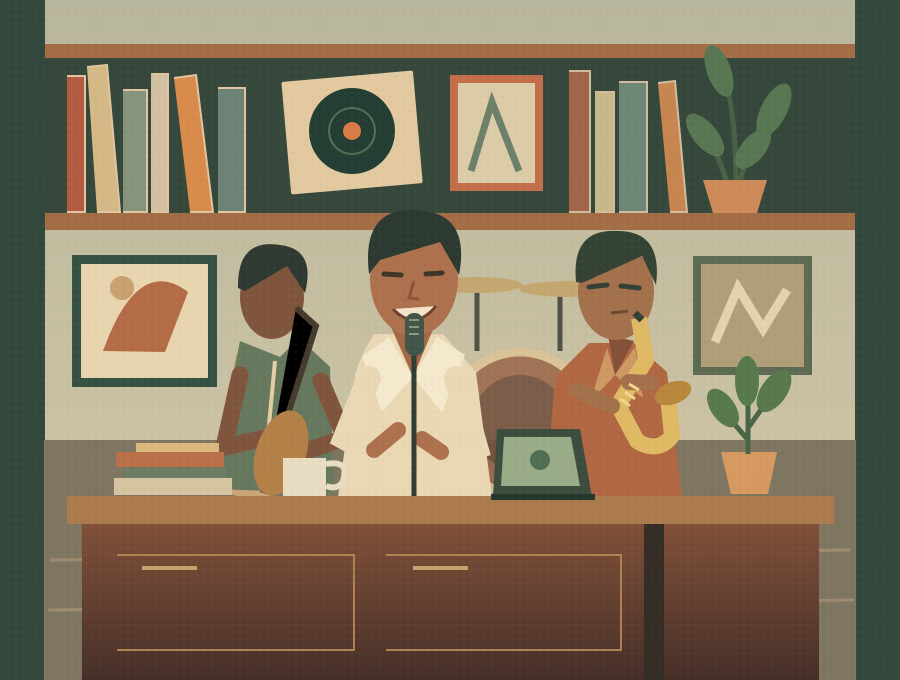 Concept illustration
Make facial detail easy to see
Prefer soft, even light over strong backlighting. Keep the eyes, mouth and hairline visible, with enough face detail to inspect at normal size. Crop away unrelated people and avoid repeatedly compressed screenshots. Increasing file dimensions does not restore detail that is absent from a blurry image.
For a duet, use separate portraits
Put the lead singer in the first upload and the saxophone partner in the second. Keep one person per reference; the photos do not need the same background. Similar face angles and even lighting are a useful starting point. Facial consistency is still subject to the model’s output and is not guaranteed by following these tips.
Preview locally before submitting
Selecting a file creates a local preview; it does not start generation. You can remove or replace it. A login or payment draft may retain the selected photos in this browser for up to one hour. Generating sends them to our server for validation and EXIF removal, then to EvoLink. Read the privacy page before submitting personal photos. If an image cannot be opened, try a supported format rather than repeatedly starting a video.
Sources and editorial notes
Studio instructions describe the current Tiny Desk AI workflow. Creative briefs are optional planning examples; the studio generates with built-in scene and style scripts. Third-party guides link to their official documentation and do not imply an integration or a quality ranking. Read our editorial approach